The person is free, the room is not
A team member can look available while the room, vehicle, accommodation or pitch the service needs is already taken.
Teams & resources
Customers only see times when the staff member is available and the room is free. All your schedules and bookings live in one place.
Request a short demoWe reply within one business day.
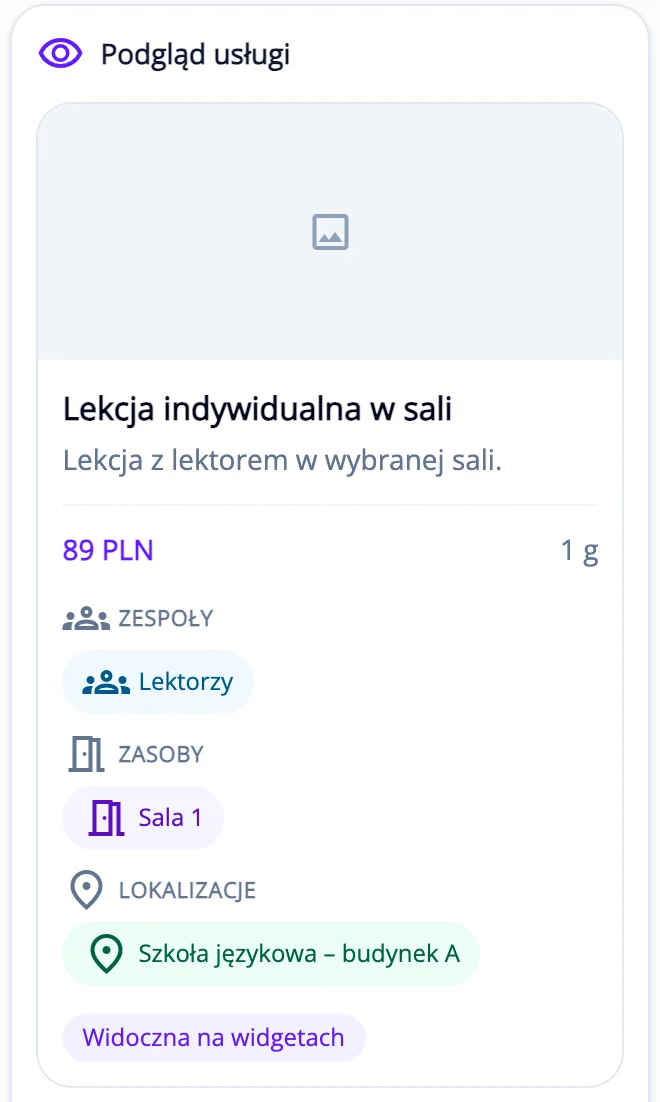
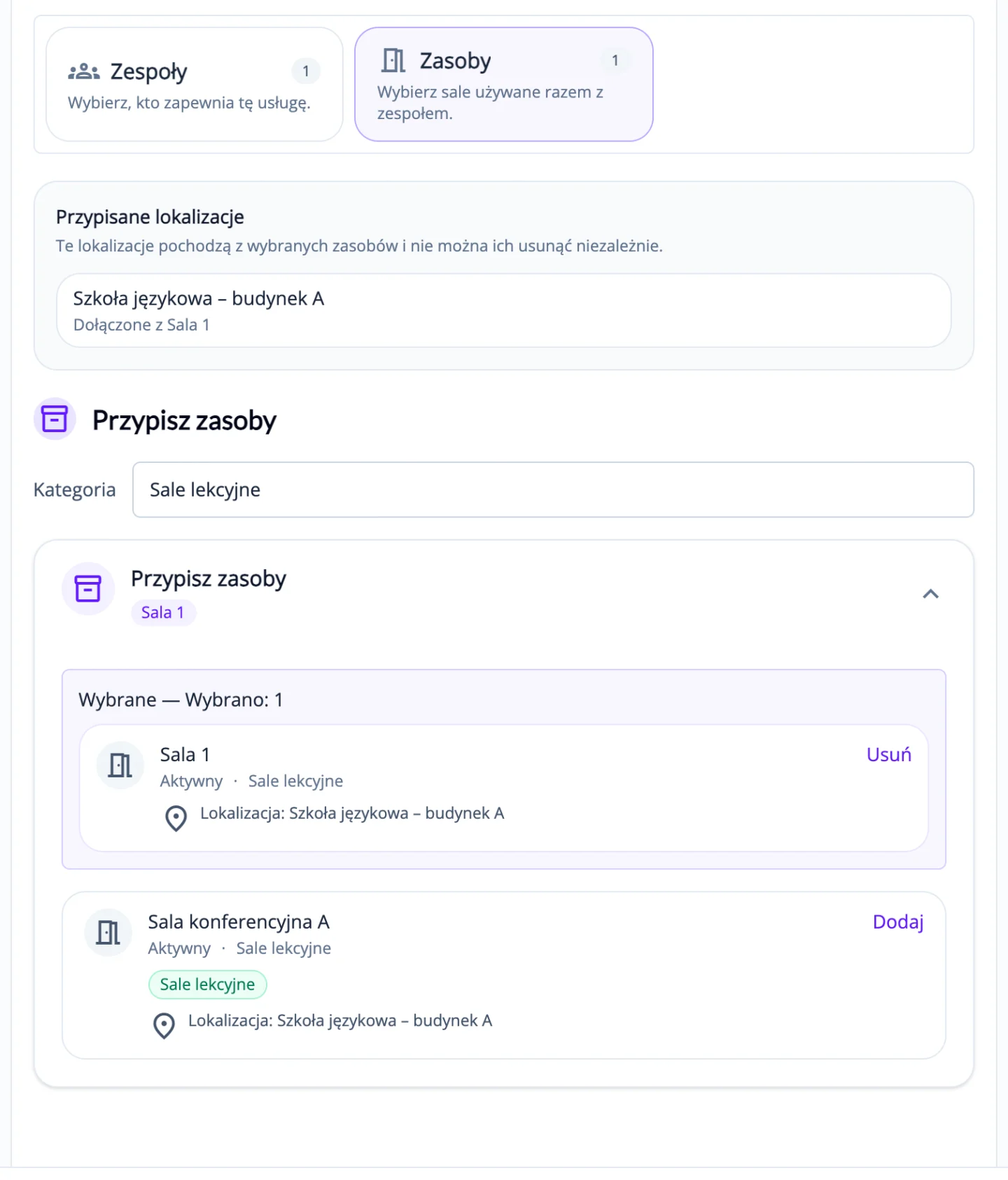
Example
In the service settings, you choose who delivers it and which rooms it can use. ServEase then shows customers only the times when the team is available and a room is free.
The problem
A team member can look available while the room, vehicle, accommodation or pitch the service needs is already taken.
With separate calendars it is easy to confirm a time that clashes with another booking for the same resource.
Time off, a new booking or a reschedule sends someone back through several calendars.
How it works
Teams & resources is the catalogue of your whole business. Services draw on it, so availability is checked against the people and resources each booking actually uses.
Group staff into departments and teams, each with working hours, time off and locations.
List each room, vehicle, accommodation unit or pitch in a category, with its own hours, blocked time and locations.
Choose a team, a resource or both. A service that needs both is a “resource with team”: a person and a resource booked together.
Availability combines service schedules, team and resource hours, time off, locations and existing bookings.
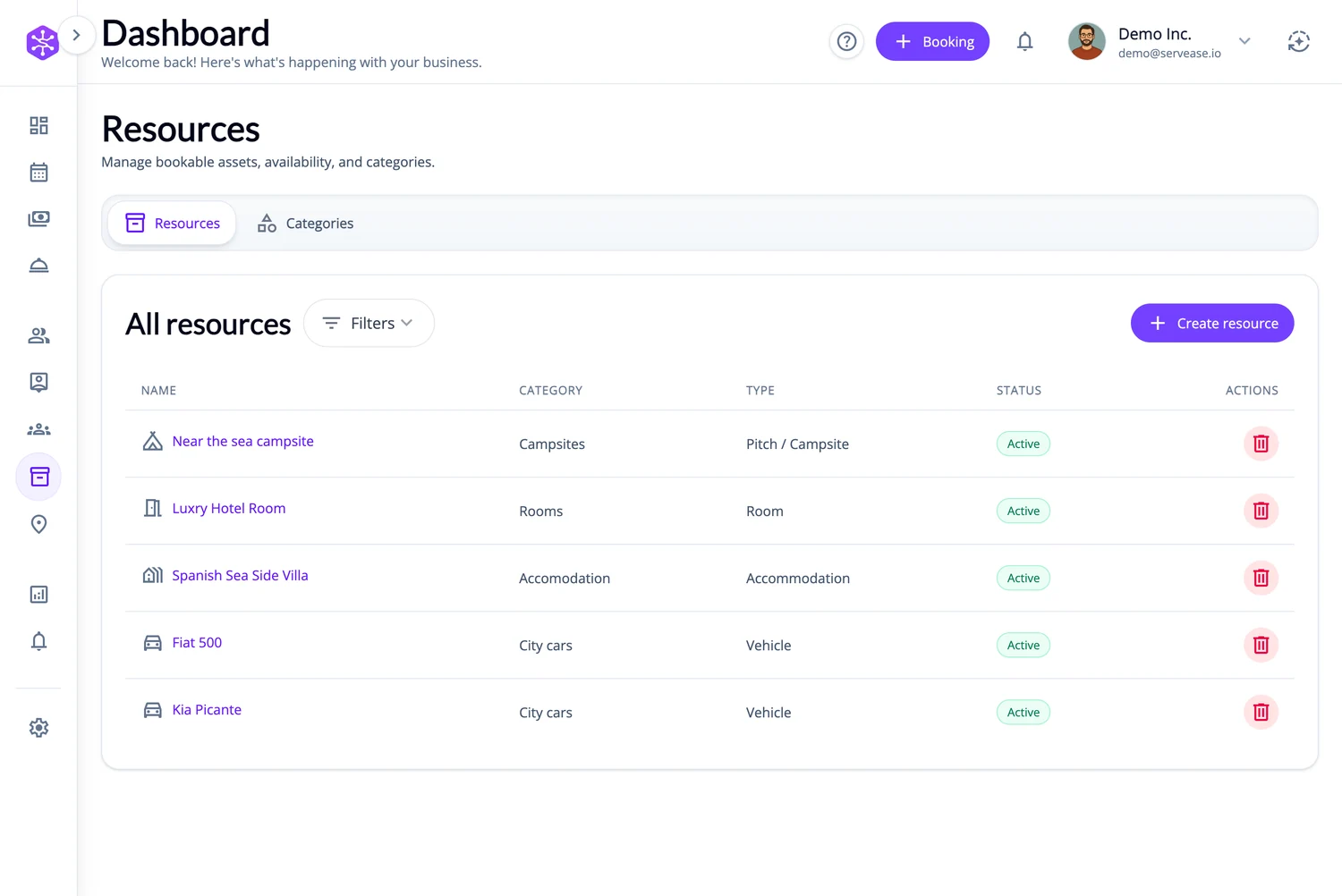
In the product
Teams and bookable resources are set up once for the whole business. Each service then states what its delivery requires — a team, a resource, or both — and availability is checked against that combination.
Your brand on the outside
Three fictional businesses, several completely different customer-facing views — all using genuine ServEase Widgets. Match the booking experience to the business instead of sending customers to a generic third-party page.
Studio · Timetable · minimal editorial styling
Your catalogue vs. your services
Appointments and classes delivered by your staff, such as a consultation, a treatment or a lesson.
Rentals and stays where the customer books the resource itself — a room, vehicle, accommodation or pitch.
Services that need a person and a resource at the same time, such as a session in a dedicated room or a guided trip by vehicle.
Add your team and resources, set up one real service and see availability you can rely on.
Request a short demoWe reply within one business day.