Overnight stays
Connect stay dates, guests and accommodation availability
Let customers choose an available stay with the relevant guest details and configured rules. Your business keeps the accommodation, arrival/departure dates and payment status together.
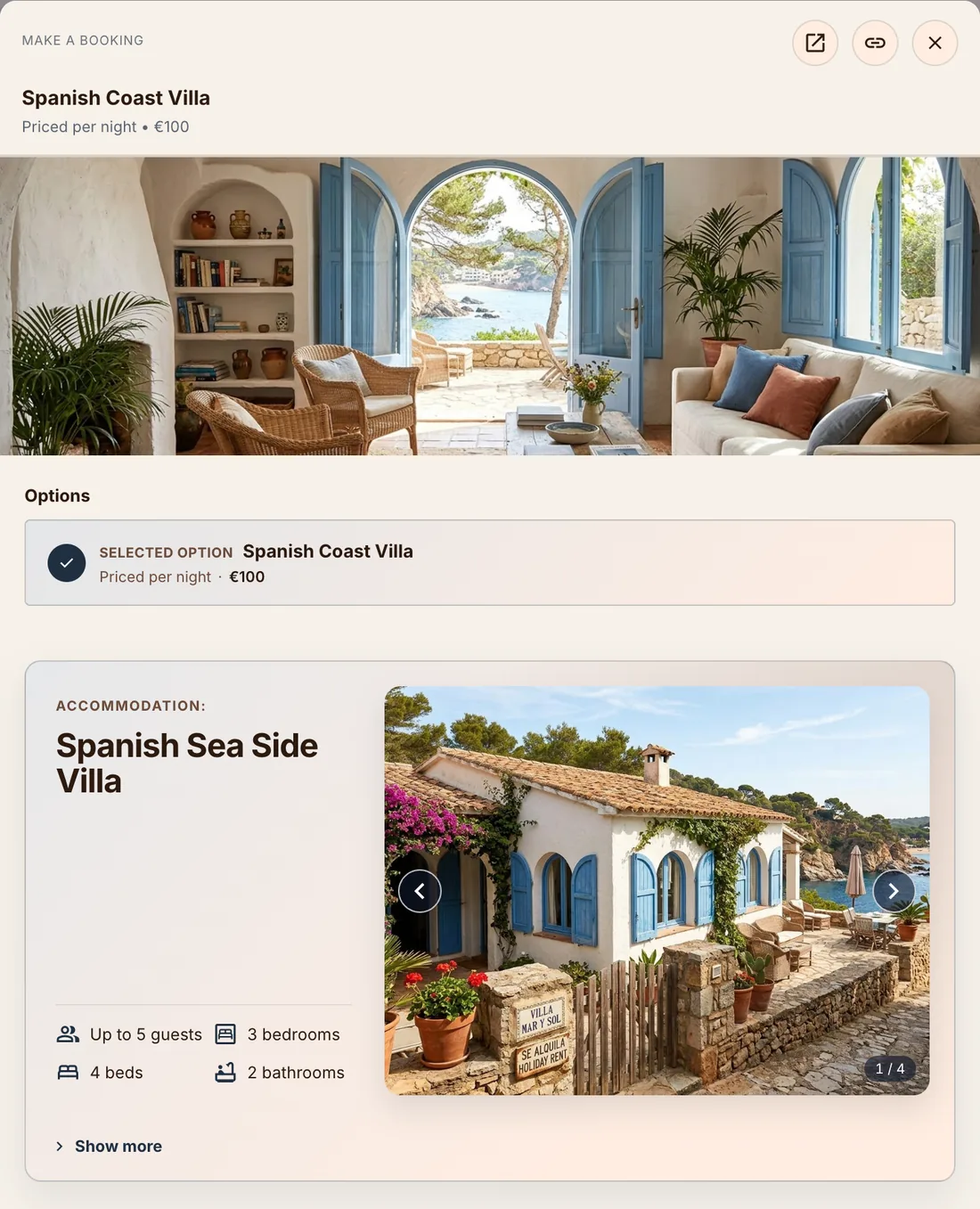
A stay has dates, nights and guest requirements
Whether you let a cabin, an apartment or a guest room, a stay is more than an appointment slot. You need to reserve the accommodation for the whole stay, count nights consistently and apply your guest and arrival/departure rules.
The stay must fit the accommodation
ServEase checks accommodation occupancy, fixed location, stay dates, timing and configured guest requirements. Nightly pricing counts calendar nights in the business’s timezone; guest counts constrain the stay rather than creating class places.
How customers book
Discover: Browse available accommodation offerings/resources where presented.
Choose: Select accommodation, arrival/departure dates and guest counts.
Availability: Review eligible stay dates and relevant accommodation rules.
Submit: Provide required guest composition and review timing, price and payment.
Actual result: A valid booking reserves the Accommodation Resource for the stay; the actual lifecycle and payment state remain visible.
Your brand on the outside
Your website. Your brand. ServEase underneath.
Three fictional businesses, several completely different customer-facing views — all using genuine ServEase Widgets. Match the booking experience to the business instead of sending customers to a generic third-party page.
Wellness · Service overview · warm custom branding
How your business works
Maintain the accommodation’s fixed location, availability and applicable guest rules. Configure nightly options and relevant arrival/departure timing. Review stays, guest context, occupancy and financial history from Admin.
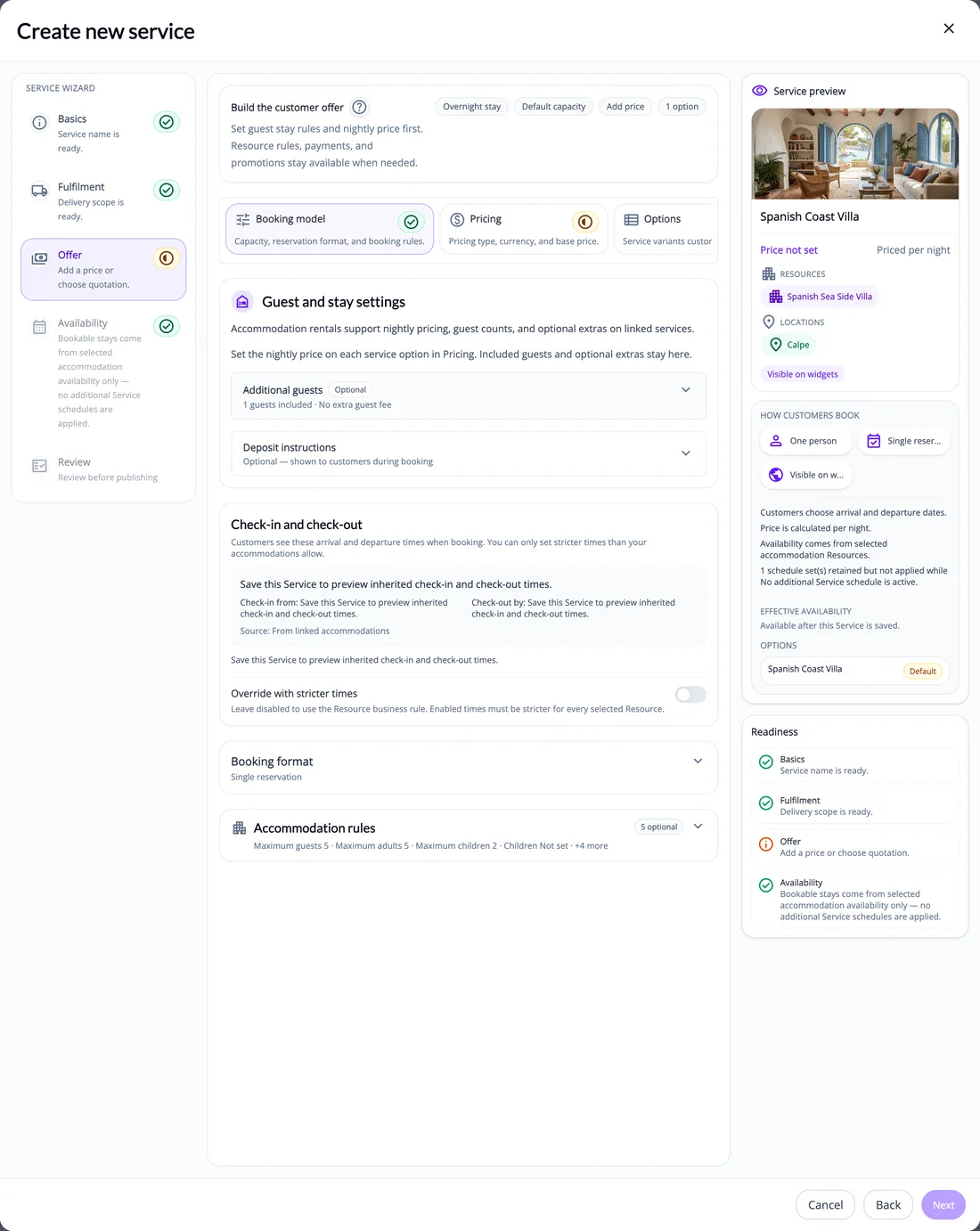
What ServEase coordinates
Accommodation Resource
Concrete cabin/property reserved.
Location
Its fixed venue/location.
Guests
Counts/composition required by the accommodation’s rules.
Booker
Customer arranging the stay; not necessarily every guest.
Team
Not required to reserve a stay.
Relevant capabilities
Support arrival/departure dates, night counting in your business’s time zone, guest-capacity and composition rules, configured operational timing and accommodation availability. Customers see the stay requirements that apply to them.
Limitations and fit
This page does not promise OTA/channel distribution, housekeeping, hotel PMS or independently sold bed inventory. Guests are not class seats, and not every guest must have a separate account merely because a guest count is required. Payment and confirmation are not guaranteed by booking creation.
Questions about this journey
How are nights counted?
From the check-in date to the check-out date in the business’s timezone. Clock changes and elapsed-hour differences do not change the calendar-night count.
Can I limit guests or apply guest rules?
Yes, through supported accommodation rules and stricter service limits where allowed. Required guest details are checked during booking.
Does every guest need a separate account?
Not necessarily. The booking records the guest numbers and details your booking form requires; the person booking holds the account.
Does this connect my property to Airbnb or Booking.com?
Channel management and connections to listing sites such as Airbnb or Booking.com are not part of this journey.
Start with one accommodation offering
Set the stay option, guest rules and arrival/departure timing, then review the customer’s booking journey.
Try for free