Mobile & on-site services
Connect the booking to the customer’s address
Let customers book services delivered at their home or business. ServEase checks the address against the area you cover and calculates any travel charges you have set, alongside staff availability.

A free slot is only part of the answer
When your team travels to the customer—to clean, repair, groom or teach at their address—you also need to know where the work happens. An address outside your service area cannot be treated like an ordinary appointment at your venue.
The address must fit the service
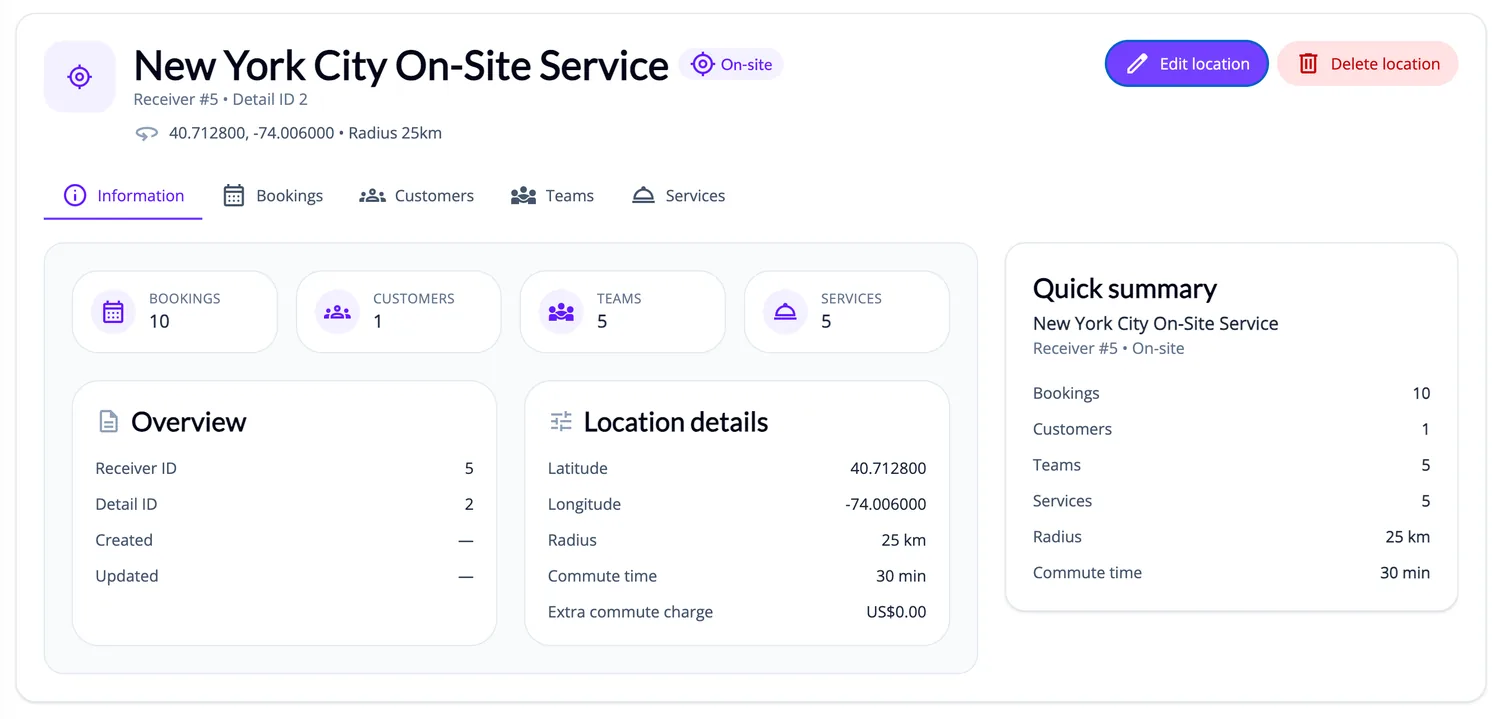
ServEase checks the customer address and its coordinates against the configured coverage radius and travel-time limit. It also checks the service’s staff, location, availability and duration. Configured commute charges are calculated through the booking process.
Coverage and travel estimates do not establish route optimisation, dispatch, live vehicle tracking or guaranteed traffic-aware arrival times. Not every address is eligible, and incomplete coordinates can require correction before booking. Travel duration is a configured/system estimate, not live traffic routing.
How customers book
Discover: Find the service through the business’s Widget or portal.
Choose: Select the option and customer address.
Availability: Review relevant visit times and available coverage/travel information.
Submit: Review service, address and configured total.
Actual result: A valid booking records the visit and customer address; outside-coverage or incomplete address information can prevent creation.
Your brand on the outside
Your website. Your brand. ServEase underneath.
Three fictional businesses, several completely different customer-facing views — all using genuine ServEase Widgets. Match the booking experience to the business instead of sending customers to a generic third-party page.
Wellness · Service grid · browse before booking
How your business works
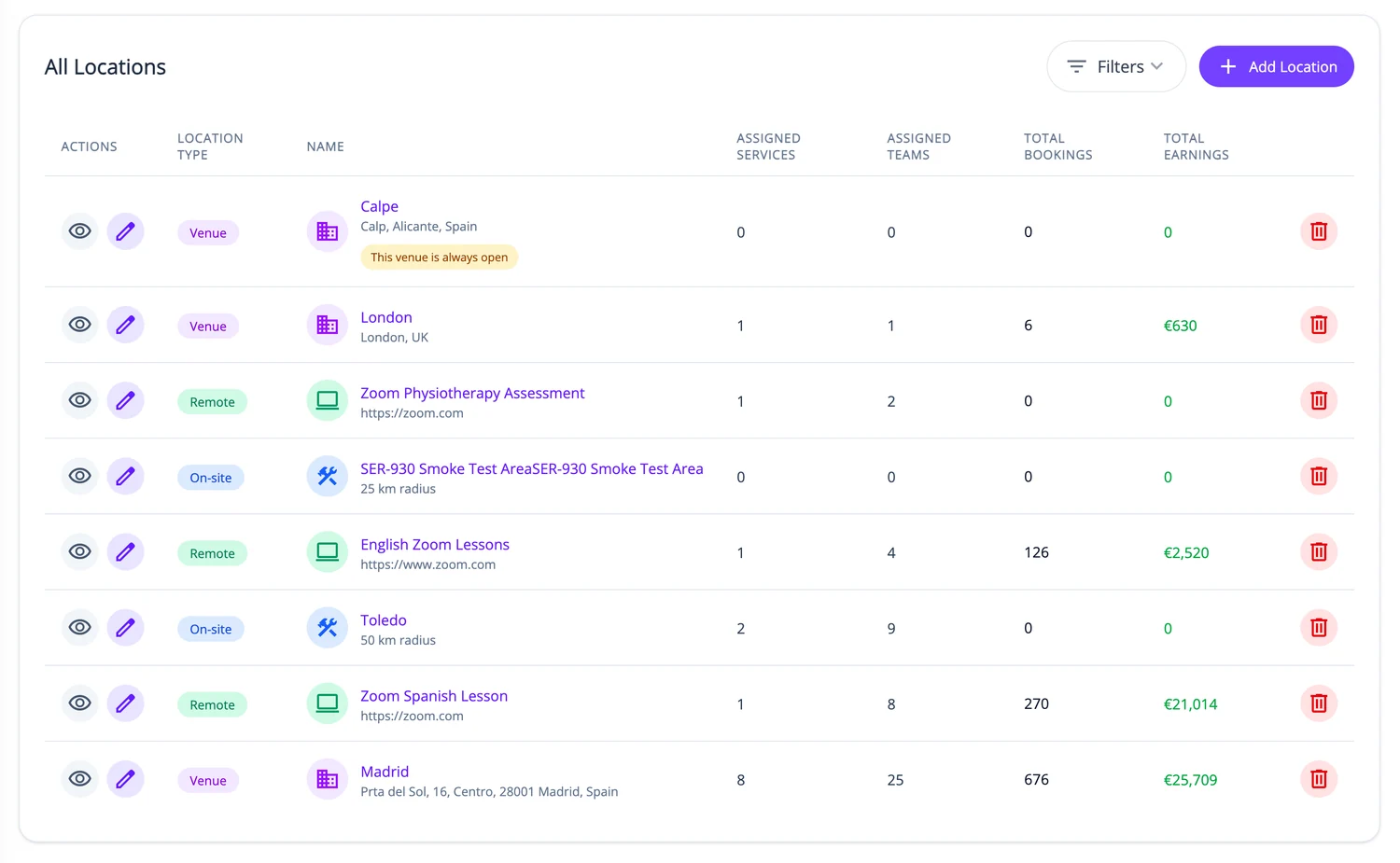
Define the service and options, staff/team assignments, on-site coverage and availability. Configure applicable travel rates. Review bookings with their actual customer addresses and financial status, and make assigned work available to staff through supported access.
What ServEase coordinates
Team
Staff delivering the visit.
On-site Location
Coverage/delivery configuration based around the business’s service area.
Customer address
Actual place where this booking is delivered.
Receiver
Only where the service needs a separate subject receiving it.
Resource
Not required merely because staff travel.
Relevant capabilities
Support customer addresses, coordinate-based coverage checks, configured travel-time limits and commute charges, alongside service options and staff availability. Recurring visits can use supported booking patterns.
Limitations and fit
Coverage and travel estimates do not establish route optimisation, dispatch, live vehicle tracking or guaranteed traffic-aware arrival times. Not every address is eligible, and incomplete coordinates can require correction before booking.
Questions about this journey
Can I restrict where customers book a visit?
Yes. On-site configuration supports coverage-radius and maximum travel-time checks.
Do customers need to provide an address?
Yes for an on-site booking. The address must belong to the customer and contain the required location information.
Can travel affect the price?
Yes, where you have set travel rates or charges. The amount is calculated during booking.
Does ServEase plan my staff’s driving routes?
Route planning and dispatch are not part of this journey. It covers your service area, bookable visit times and the travel charges you set.
Start with one service area
Set up a mobile offering with its actual coverage, staff availability and travel rules.
Try for free