Classes, lessons & groups
Let customers book places in the sessions you run
Bring your class schedule, instructors and available places into one booking journey. Customers book places for themselves or for someone else, such as a child, and you see who is attending and how many places remain.
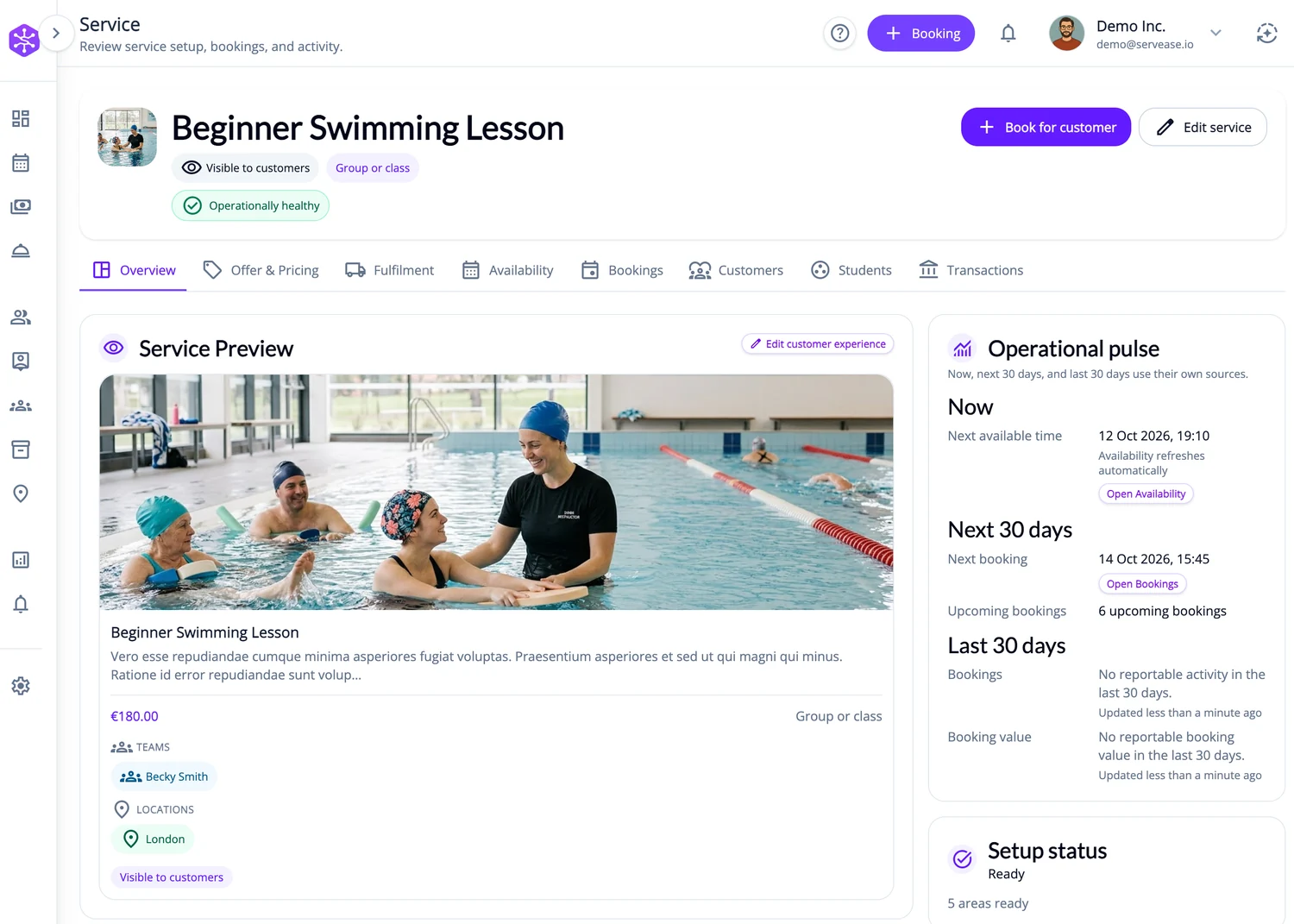
A class has places, not just an opening
A class, group lesson or course session can take several bookings at once. You need to know who is attending and how many places remain—not just whether the instructor is free.
Places are checked across the session
ServEase checks the session’s shared participant capacity and the places allowed within one booking, alongside the instructor, location, schedule and option. Submission rechecks remaining capacity; a place shown during browsing is not held merely by viewing it.
How customers book
Discover: Browse available classes, lessons and session dates.
Choose: Select the lesson option and the participants attending.
Availability: Review eligible sessions and available places.
Submit: Review participants, session details and configured payment requirements.
Actual result: A valid booking records the participants against the session. Payment and lifecycle state remain separate.
Your brand on the outside
Your website. Your brand. ServEase underneath.
Three fictional businesses, several completely different customer-facing views — all using genuine ServEase Widgets. Match the booking experience to the business instead of sending customers to a generic third-party page.
Education · Calendar · lesson availability
How your business works
Configure the class, instructor/team, venue and schedule. Set the total places in each session and, where needed, a limit per booking. Review session bookings, participant context and capacity; use the relevant financial and reporting views for ongoing operations.
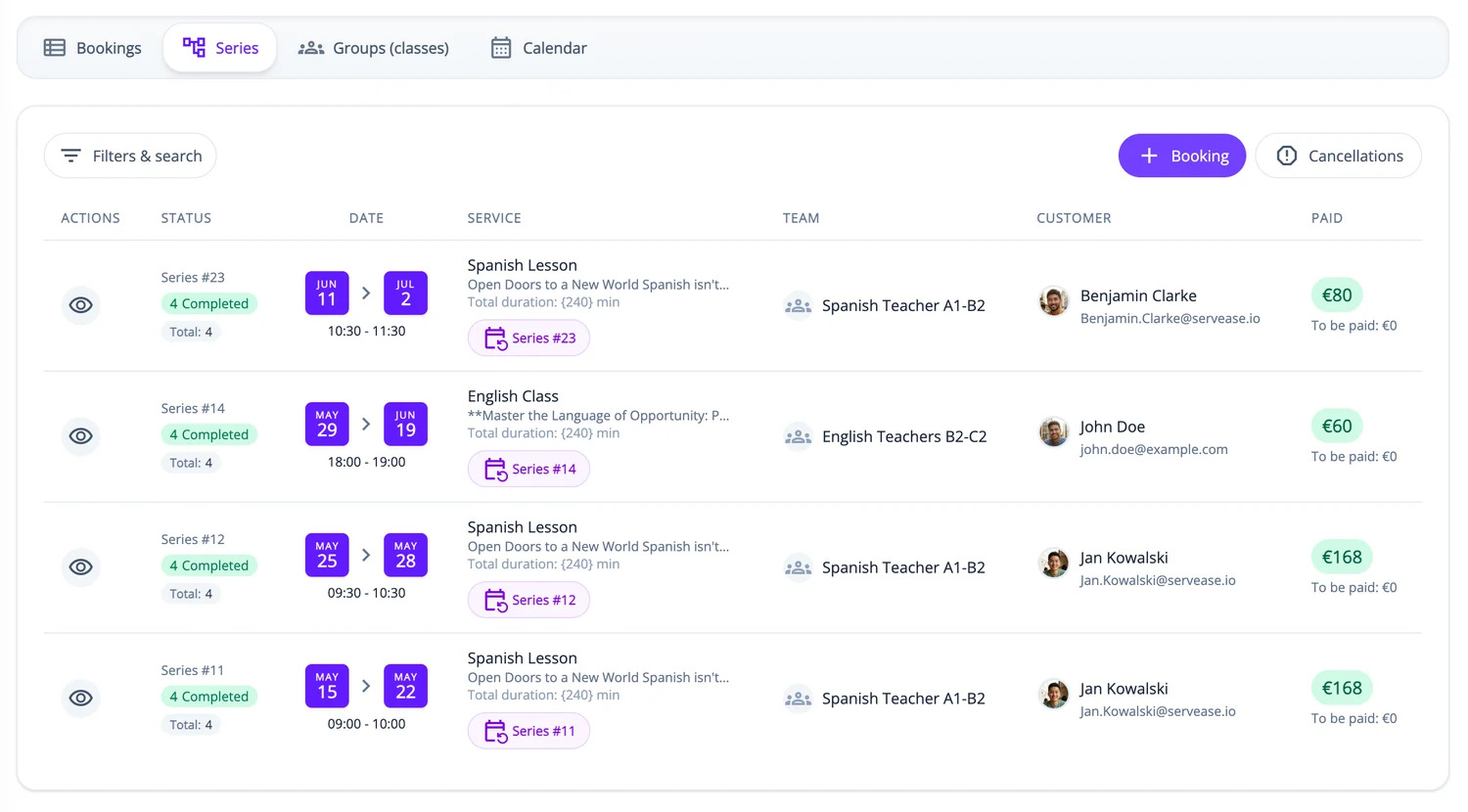
Recurring sessions and multi-session options can be configured where appropriate. A multi-session package must show its included sessions rather than imply a single isolated lesson.
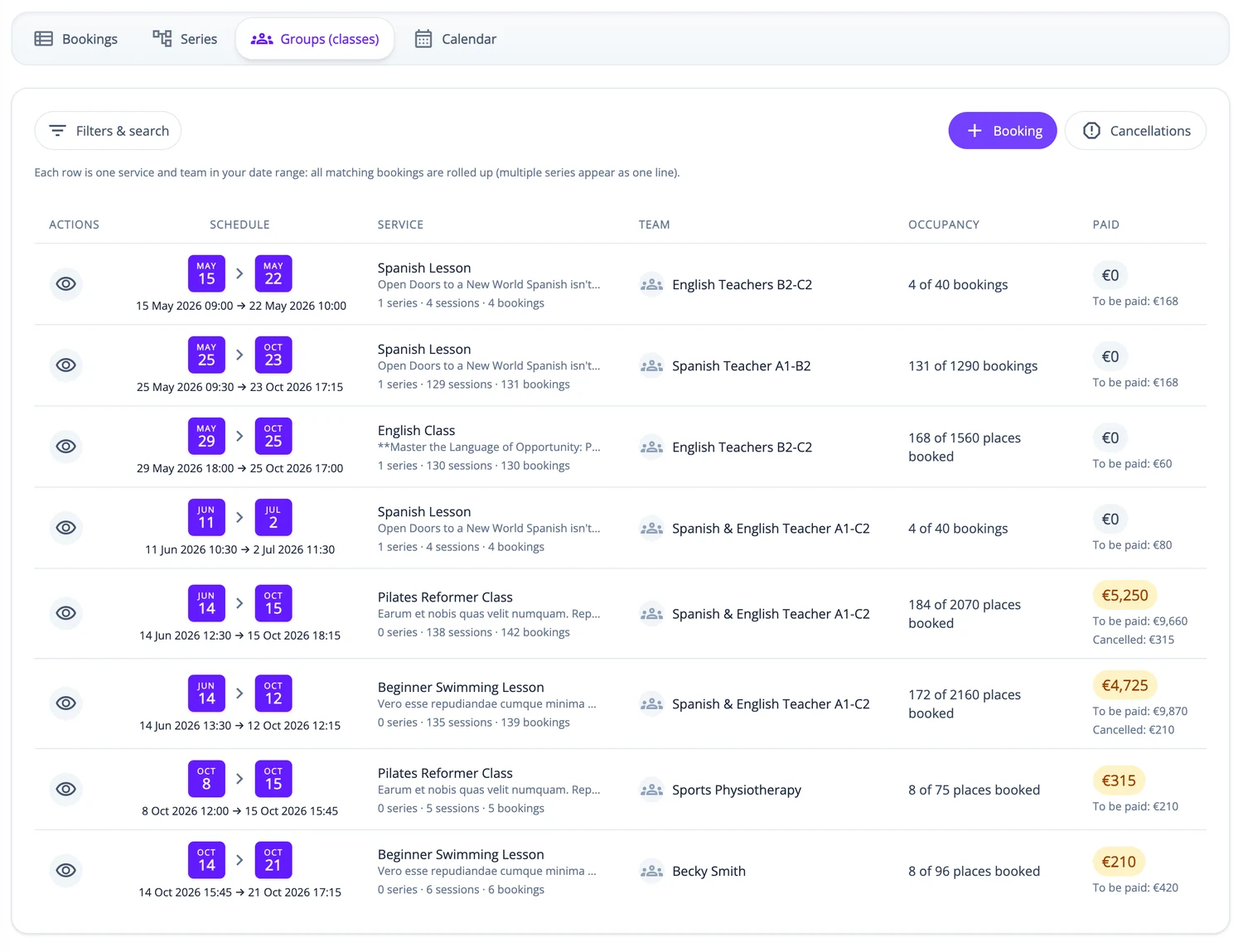
What ServEase coordinates
Team
Instructor/team delivering the session.
Location
Where the session takes place, such as a pool, studio or classroom.
Participant
Student, guest or other person attending; may differ from the person booking.
Session capacity
Shared places across active bookings in that session.
Resource
Not applicable to the canonical Group/Class model.
Relevant capabilities
Support shared session places, multiple participants within permitted booking limits, separate booker/participant details, configured recurring patterns and multi-session options. Availability and booking creation use the service’s capacity rules.
Limitations and fit
Booking a class does not also reserve its venue, such as a pool or studio, as a separate room. Shared class places are their own setting; guest limits or limits on the number of bookings do not replace them. This page does not promise a learning-management system, certificates or academic records.
Questions about this journey
Can a customer book for their child or someone else?
Yes, where the service asks for separate participant details. The person booking keeps their own account, separate from the student or participant attending.
Can one booking include several participants?
Yes, up to the limit you set for each booking and the places remaining in that session.
Can I run recurring lessons or a multi-session course?
Yes. Set up recurring sessions or a multi-session option so customers can see which sessions are included and whether places are available.
Does booking a class also reserve the room or venue?
No. The venue is where the class takes place. Group classes do not reserve a room or other resource alongside the places.
Start with one class and its real capacity
Define the instructor, location, schedule and places, then review how participants book.
Try for free